
Microsoft 365 vs Google Workspace on Mac: Which Is Right for Your Business?
Microsoft 365 or Google Workspace for a Mac-based business? Compare file compatibility, Excel, email, security and compliance.
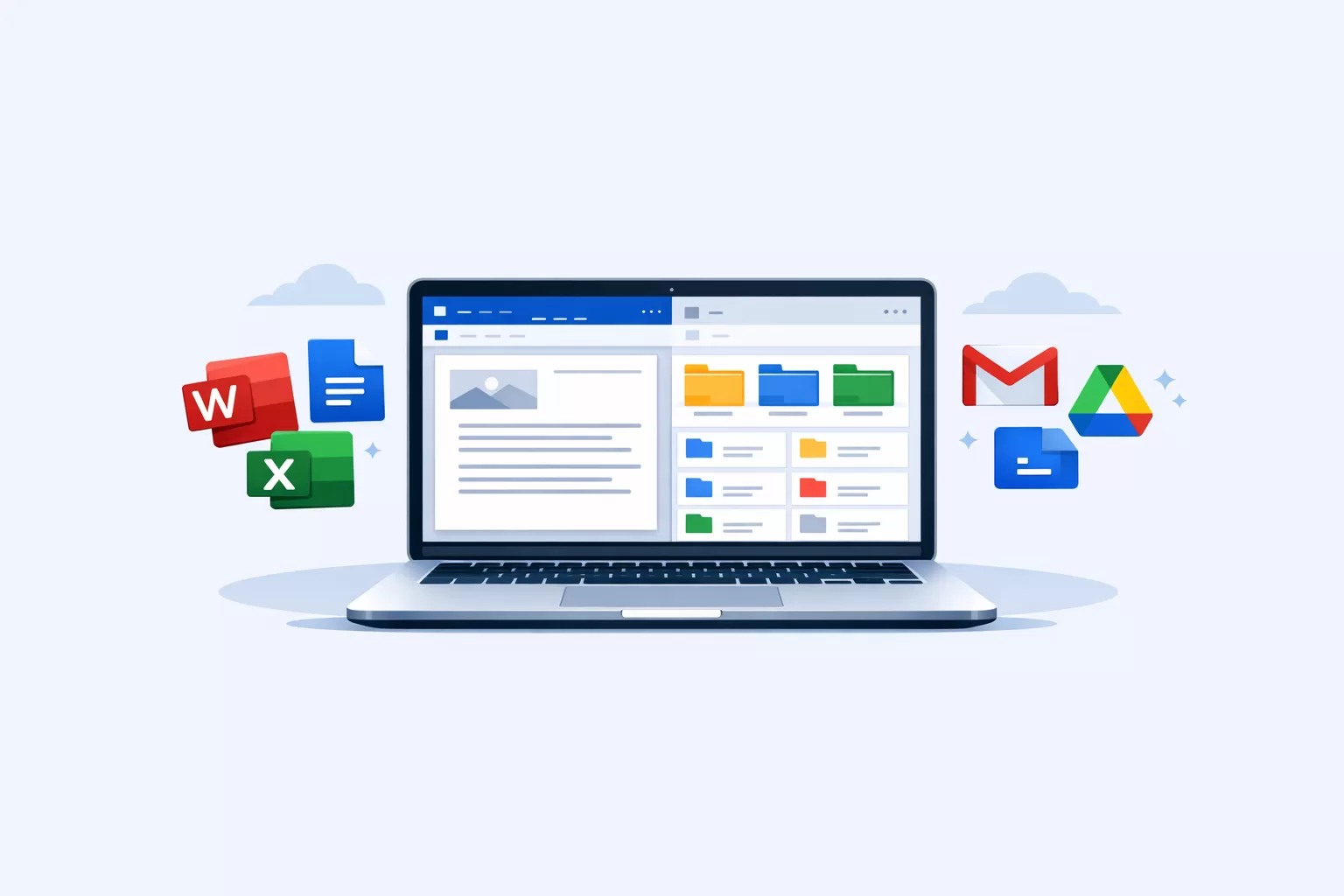
If your business runs on Macs, both Microsoft 365 and Google Workspace are viable options, and the right choice comes down to how your business actually works day to day, not which one is objectively “better.”
How the Mac experience compares
Both platforms work well on macOS, but they take fundamentally different approaches. Microsoft 365 offers full desktop applications for Mac, including Word, Excel, Outlook and PowerPoint, designed to run as normal Mac apps and work well on Apple silicon.
Google Workspace is primarily browser-based, you access Docs, Sheets, Gmail and Drive through a web browser. It does support offline access too, through a Chrome or Edge browser extension, but this needs to be specifically set up in advance and is more limited than Microsoft’s always-available native offline mode.
For most businesses, the practical difference comes down to how often you need full, reliable desktop functionality versus the flexibility of working entirely in the browser from any device.
File compatibility in real-world use
Businesses regularly exchange files with clients, accountants, legal providers and external partners, and Microsoft Office formats are still the most widely used standard across most industries.
Microsoft 365 works directly with these formats, files typically open exactly as expected, with formatting and layouts staying consistent even in complex documents. Google Workspace can open, edit, comment on and collaborate directly in Microsoft Office files while keeping them in their original Office format. Converting a file to Google Docs, Sheets or Slides is optional and is mainly needed for some Google-specific features. Complex documents can still require a formatting check before they are sent.
If your business regularly sends documents to clients or partners, consistent formatting saves time and avoids the back-and-forth of “this looks different on my end.”
Spreadsheets: where the real difference shows up
This is where the two platforms differ most clearly. Microsoft Excel remains the stronger choice for large spreadsheets, detailed financial models and advanced automation. It can handle hundreds of thousands of rows smoothly, while Google Sheets can slow down much earlier.
Google Sheets, in turn, has real strengths of its own: best-in-class real-time collaboration (multiple people editing simultaneously with no file-locking or version conflicts), and Gemini AI built directly into cells for quick text generation and analysis. For lighter spreadsheet work, shared trackers, budgets, or anything a team edits together constantly, Sheets is excellent.
For financial reporting, forecasting, or detailed data analysis specifically, Excel tends to offer more depth, more reliable performance at scale, and better compatibility with existing templates and models businesses have already built.
Email and calendars
Microsoft 365 includes Outlook with Exchange, which supports shared mailboxes, structured calendar management, and consistent syncing across devices, features that matter more as a team grows and multiple people need coordinated access to shared inboxes or calendars.
Gmail is simple, familiar, and effective, particularly for individuals or very small teams. As businesses grow, though, Outlook’s more structured approach tends to provide clearer control over shared access.
File storage and collaboration
Microsoft 365 uses OneDrive for personal storage, SharePoint for shared, structured team file systems, and Teams for communication tied directly to files and folders. Google Workspace uses Google Drive for both personal and shared storage, with sharing handled through direct links and permissions.
Google’s approach is simple and flexible, easy to pick up. Microsoft’s approach is more structured, which becomes more of an advantage as a business grows and needs clearer organisation, defined permission levels, and a more formal file hierarchy.
Compliance and security tools
Security and record keeping increasingly matter to Australian small businesses.
Microsoft 365 Business Premium includes tools to protect devices and email, reduce data leaks, find records, keep activity logs and retain information for required periods. More advanced investigation tools and extra Teams protection require separate paid add-ons introduced in late 2025.
This matters for reasons beyond general security hygiene. Cyber insurers increasingly ask businesses to prove they use basic security controls before offering or renewing cover. In Australia, common examples include the Essential Eight at Maturity Level 2 and the SMB1001:2026 standard. In plain terms, they expect two-step sign-in, prompt software updates, limited administrator access and backups that are tested.
Microsoft 365’s built-in tools make it easier to show an insurer or auditor that these controls are in place.
Google Workspace also includes administrator controls and activity logs, but businesses may need extra third-party tools to reach the same level of security and record keeping. If cyber insurance requirements or formal compliance obligations are a genuine consideration for your business, this is worth weighing seriously, not just file compatibility.
A more complete, connected platform
Microsoft 365 is built as a connected system rather than a collection of separate tools. Teams, OneDrive, SharePoint and Outlook work together to manage access, keep files organised and connect conversations with the right team or project.
Google Workspace supports collaboration very well, but tends to rely more on simple sharing than a deeply structured system underneath. For businesses operating in mixed environments, working alongside Windows-based organisations, external partners using Microsoft tools, or systems built around Office file formats, Microsoft 365 tends to fit more naturally without extra steps.
Choosing based on how your business actually works
Microsoft 365 is often the better fit when you regularly exchange Office files with clients or partners, rely on Excel for serious reporting or analysis, need shared mailboxes and more structured communication, have compliance or cyber insurance requirements to meet, your team is growing and needs clearer organisation, or you want consistency across a mix of Mac and Windows devices.
Google Workspace suits businesses that prioritise simple, real-time collaboration, work mostly in lighter documents, or prefer browser-based tools with minimal setup and lower cost.
The practical bottom line
Both platforms work well for Mac-based businesses, and for simpler needs, either one will serve you fine.
The real difference is how your business works and how important file compatibility, consistent results and formal security requirements are. Microsoft 365 is often the more practical starting point for a growing business, but the right choice still depends on how your team works.
If you would like help choosing or setting up either platform on your Macs, see our Security & Email Protection and Microsoft 365 & Email pages, or contact us to talk through what suits your team.


